If you run a business in Cornwall and you haven’t set up — or properly optimised — your Google Business Profile, you’re handing customers to your competitors every single day. Google Business Profile (GBP) is the listing that appears when someone searches for your business type in your area: the name, the star rating, the photos, the opening hours, the link to your website. It’s often the first impression a potential customer gets of your business, and it’s entirely free to set up and manage. Yet 56% of businesses haven’t fully optimised their profile. In Cornwall, that means the bar is low and the opportunity is real.
Why Google Business Profile Matters More Than Ever
Google Business Profile is the engine behind the Map Pack — the three local businesses that appear at the top of search results with a map when someone searches for a local service. 42% of local searches result in a click on one of those three listings, and the businesses shown there receive 126% more website traffic than those sitting below them. For any Cornwall business that relies on local customers — whether you’re a café in Falmouth, a plumber in Bodmin, or a boutique hotel in St Ives — that Map Pack position is worth pursuing seriously.
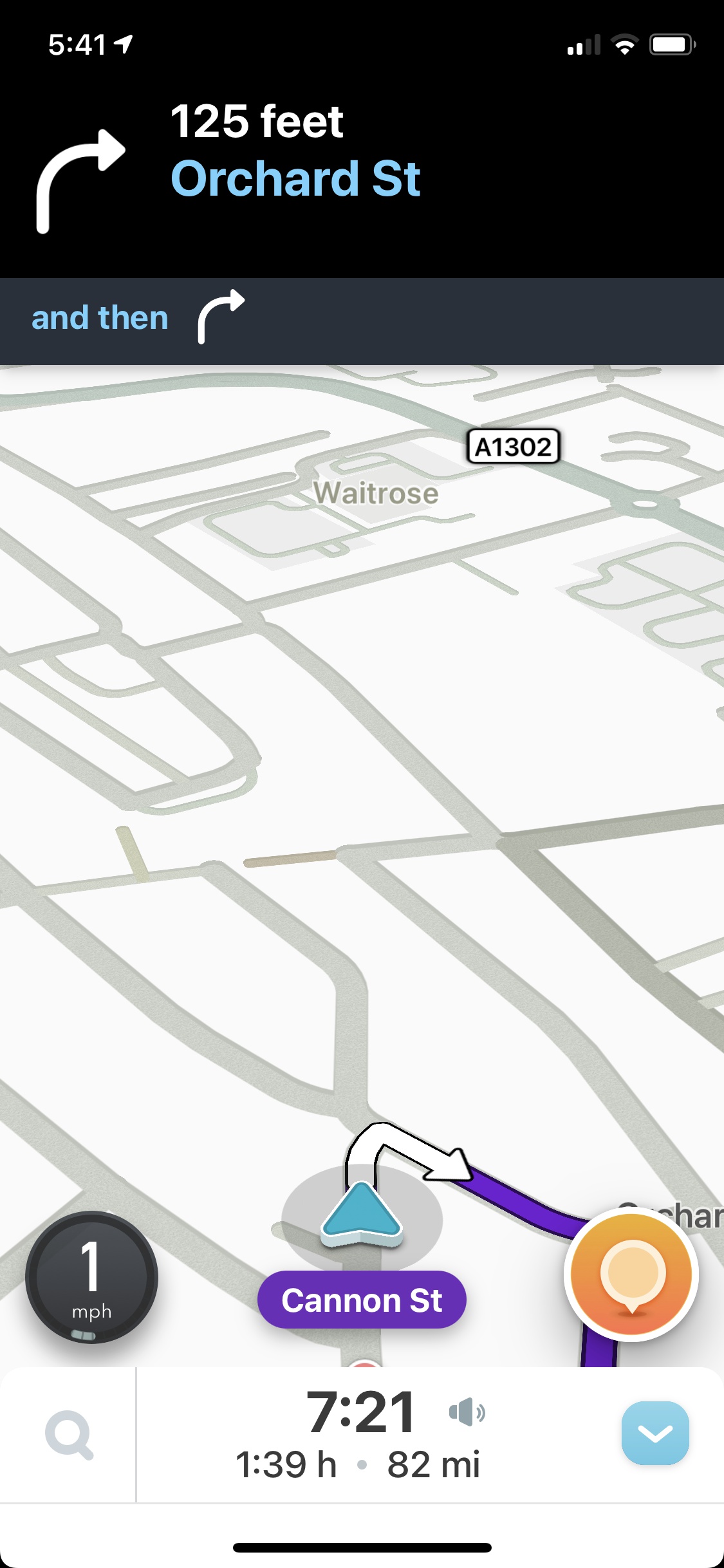
GBP also feeds directly into Google Maps, which is increasingly how both locals and visitors navigate. Someone in Padstow looking for a restaurant, a tourist in Newquay searching for a surf lesson, or a homeowner in Truro needing an electrician — all of them start with Google Maps. Your GBP is what they see, what they judge you by, and what determines whether they click through to you or scroll past.
Step-by-Step: Setting Up Your Google Business Profile
1. Claim or create your listing
Go to business.google.com and search for your business name. If a listing already exists (Google sometimes auto-generates them from web data), claim it. If not, create a new one. You’ll need to verify ownership — usually by postcard to your business address, phone call, or email, depending on your business type.
2. Choose your categories carefully
Your primary category is the single most important ranking factor in your GBP. Be specific — “Seafood restaurant” rather than just “Restaurant”, “Emergency plumber” rather than “Plumber” if that’s your core offering. You can add secondary categories to capture additional searches. Research what categories your best-ranking local competitors use — it’s visible on their profiles.
3. Write a description that works hard
Your business description (750 characters) should include: what you do, where you do it (name Cornwall and your specific area), your key differentiators, and a gentle call to action. Don’t keyword-stuff it — write for a human who’s deciding whether to click. Include “Cornwall” explicitly along with your town or area. This text is indexed by Google and influences what searches your listing appears for.
4. Add your services or products
GBP lets you list individual services (for service businesses) or products (for shops) with names, descriptions, and prices. Each service you list is another opportunity to match a search query. A plumber who lists “boiler installation”, “emergency call-out”, “bathroom fitting”, and “landlord gas safety certificate” separately will appear for far more specific searches than one who just has “plumbing services”.
5. Upload photos — consistently
Businesses with photos receive 42% more direction requests and 35% more website clicks than those without. Aim for at least 15–20 photos to start: exterior (so people recognise the building), interior, your team, your work or products, and ideally the local area or view. Then add new photos monthly — recency signals to Google that your listing is actively maintained, which helps rankings.
6. Keep your information accurate and current
Name, address, phone number, website URL, and opening hours must all be accurate and consistent with what appears on your website and other directories. 62% of consumers say they’d avoid a business with incorrect information online. Update your hours for bank holidays and seasonal closures — especially important in Cornwall where many businesses run reduced winter hours or close entirely.
7. Use Google Posts regularly
Google Posts are short updates — offers, events, new products, seasonal menus — that appear directly on your GBP listing. Most businesses never use them, which means those that do stand out immediately. A weekly post takes five minutes and signals to Google that your listing is actively managed. For Cornwall businesses with seasonal offers or events, Posts are particularly valuable.
The Q&A Section: An Overlooked Opportunity
Your GBP has a Q&A section where anyone can post questions — and anyone can answer them. Most business owners don’t realise they can pre-populate this section themselves by asking and answering their own most common questions. “Do you offer free quotes?” “Do you have parking?” “Are you open on Sundays?” “Do you cover [area]?” — answer these yourself before a customer asks, and you remove friction in the decision-making process.
Monitor the Q&A section regularly. If someone asks a question and gets no response, it’s a negative signal. If someone posts misinformation, it stays visible until you correct it.
The Cornwall Seasonal Angle
Cornwall’s tourist season creates a distinct pattern for GBP that most businesses don’t account for. Summer brings a significant influx of visitors who search entirely differently from locals — they’re unfamiliar with the area, searching on mobile, often making last-minute decisions. Your GBP needs to work for both audiences.
- Update photos seasonally — summer exterior shots showing your business in full swing, winter shots showing you’re open and welcoming when competitors close. Seasonal photos signal to both Google and customers that you’re current.
- Adjust your description for peak season — if you run reduced hours in winter or extended hours in summer, update your GBP to reflect it. Guests arriving on a Saturday evening and finding your listed hours wrong will leave a negative review.
- Use Posts for seasonal offers — “Summer menu now available”, “Christmas bookings open”, “Bank holiday opening hours” — each Post is visible on your listing and takes two minutes to create.
- Set up seasonal attributes — GBP has attributes like “outdoor seating”, “dog friendly”, “accessible” that visitors actively filter by. Make sure yours are filled in accurately for each season.
Reviews: The Ranking Signal You Can Actually Control
Reviews are one of the most significant factors in local search rankings — and unlike most SEO signals, you have direct influence over them through how you ask, respond, and build volume over time. According to BrightLocal’s Local Consumer Review Survey, 98% of consumers read online reviews for local businesses before making contact — making review volume one of the most measurable local ranking and conversion signals available.
88% of consumers trust businesses more when they respond to all reviews, versus just 47% for those that don’t respond. For any Cornwall business competing for local visibility, this is a meaningful and actionable difference.
Build reviews as a process, not an afterthought: ask every satisfied customer, make the link easy to find (a QR code on receipts, a link in follow-up emails), and respond to every review within 24–48 hours. Negative reviews handled well are often more persuasive than a page of five-stars — they show you’re real, accountable, and care about your customers’ experience.
Frequently Asked Questions
Is Google Business Profile free?
Yes, completely free to create and manage. Google charges nothing for a GBP listing regardless of your business size or type. The time investment is in setting it up properly and keeping it maintained — but there’s no cost involved.
How long does it take to appear on Google Maps after setting up?
Verification typically takes 1–5 days (or up to 2 weeks for postcard verification). Once verified, your listing usually appears on Maps within 24–48 hours. Ranking well in the local Map Pack for competitive searches takes longer — typically 4–12 weeks of consistent profile optimisation and review building.
My business moves around Cornwall — can I still use GBP?
Yes. Mobile businesses and service area businesses (tradespeople, mobile caterers, cleaners) set up as Service Area Businesses in GBP — you hide your home address and instead define the areas you serve. You can list specific towns, postcodes, or draw a radius. Google Maps will show you as serving those areas without displaying a fixed address.
Can I have more than one GBP listing if I have multiple locations in Cornwall?
Yes — each physical location should have its own GBP listing with its own address, phone number, and opening hours. If you have a shop in Truro and one in Falmouth, both should have separate listings. Google treats them as distinct local businesses and can rank each one for searches near its respective location.
Where to Start
If you haven’t claimed your GBP yet, that’s your first task — it takes 15 minutes and unlocks everything else. If you have a listing but set it up years ago, go back through it now with fresh eyes: check the category, update the description to include Cornwall and your specific area, add any recent photos, and make sure your hours are current.
If you’d like help auditing how your Google Business Profile is currently performing — or want to understand what your local competitors are doing differently — we’re happy to take a look. Get in touch for a free, no-obligation conversation.